If you are looking for a comprehensive PDF management suite, then TaoMaxDavi may be the one for you. This blends ease of use with a robust feature set, including OCR for editing, annotating, and organizing your documents. It is designed for both beginners and professionals, and it can handle the most common tasks when it comes to working with PDFs. You can make quick edits, organize pages, fill forms, and even extract text from scans and images in the PDFs.
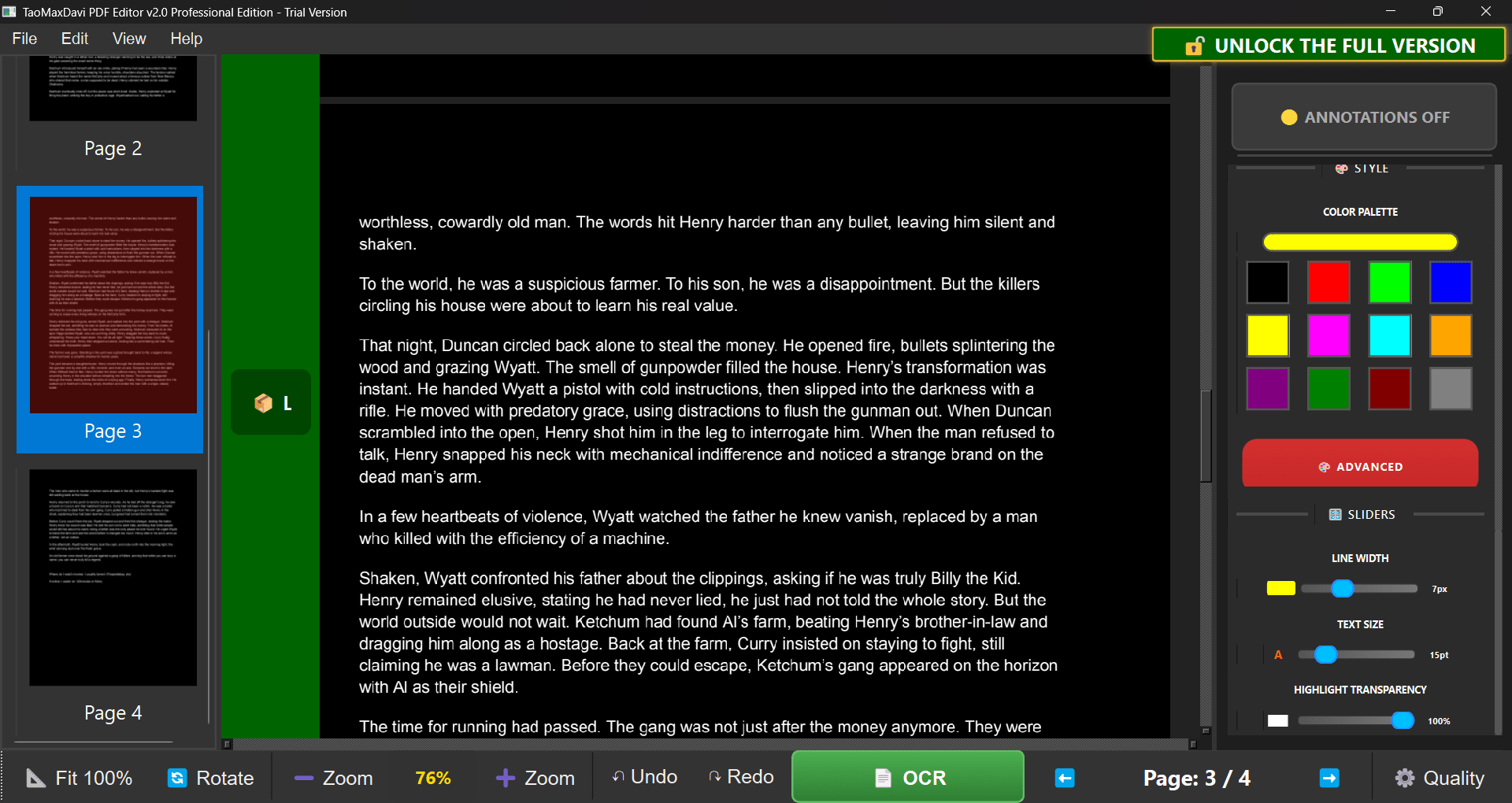
Interface and usability
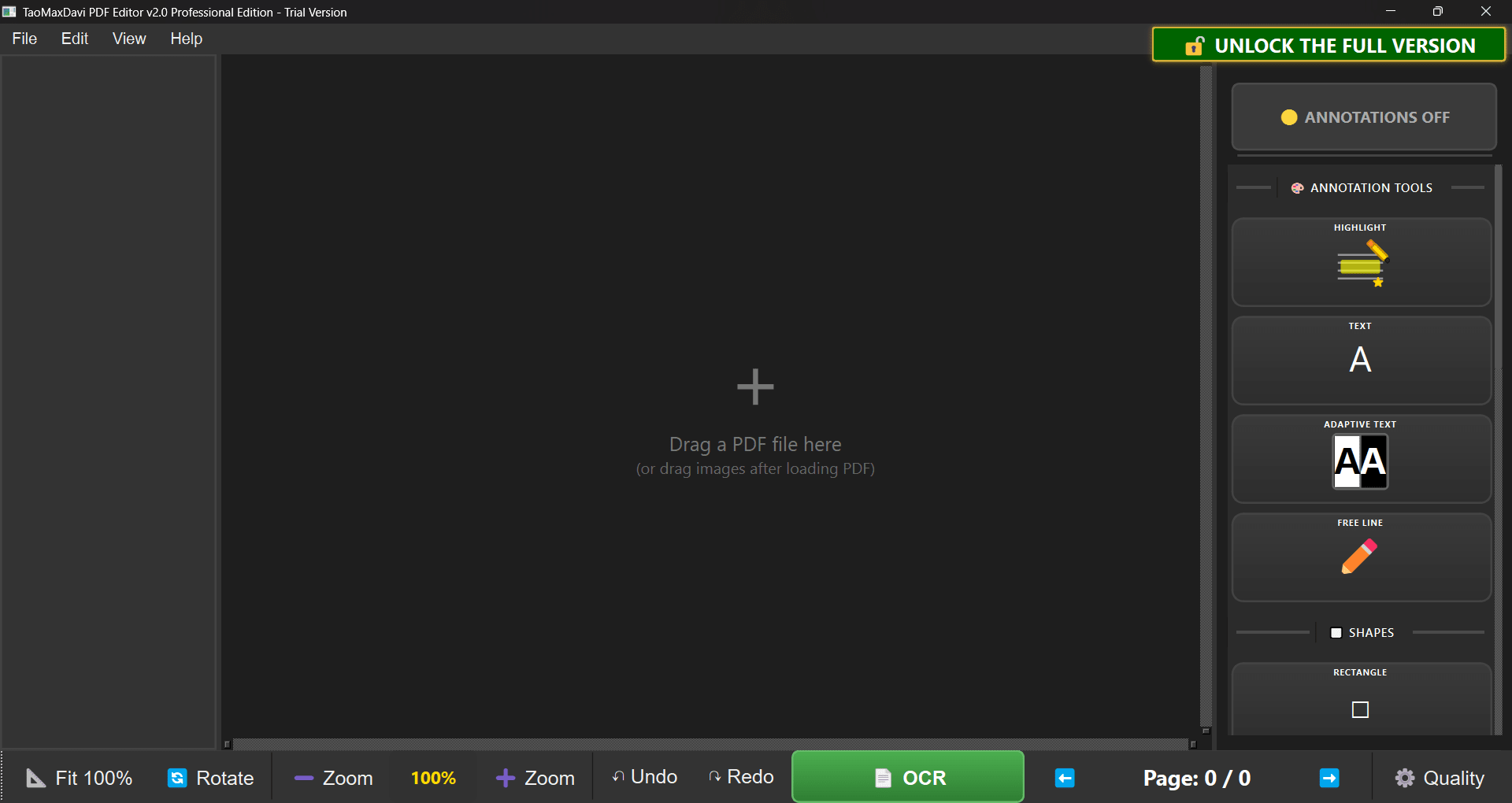
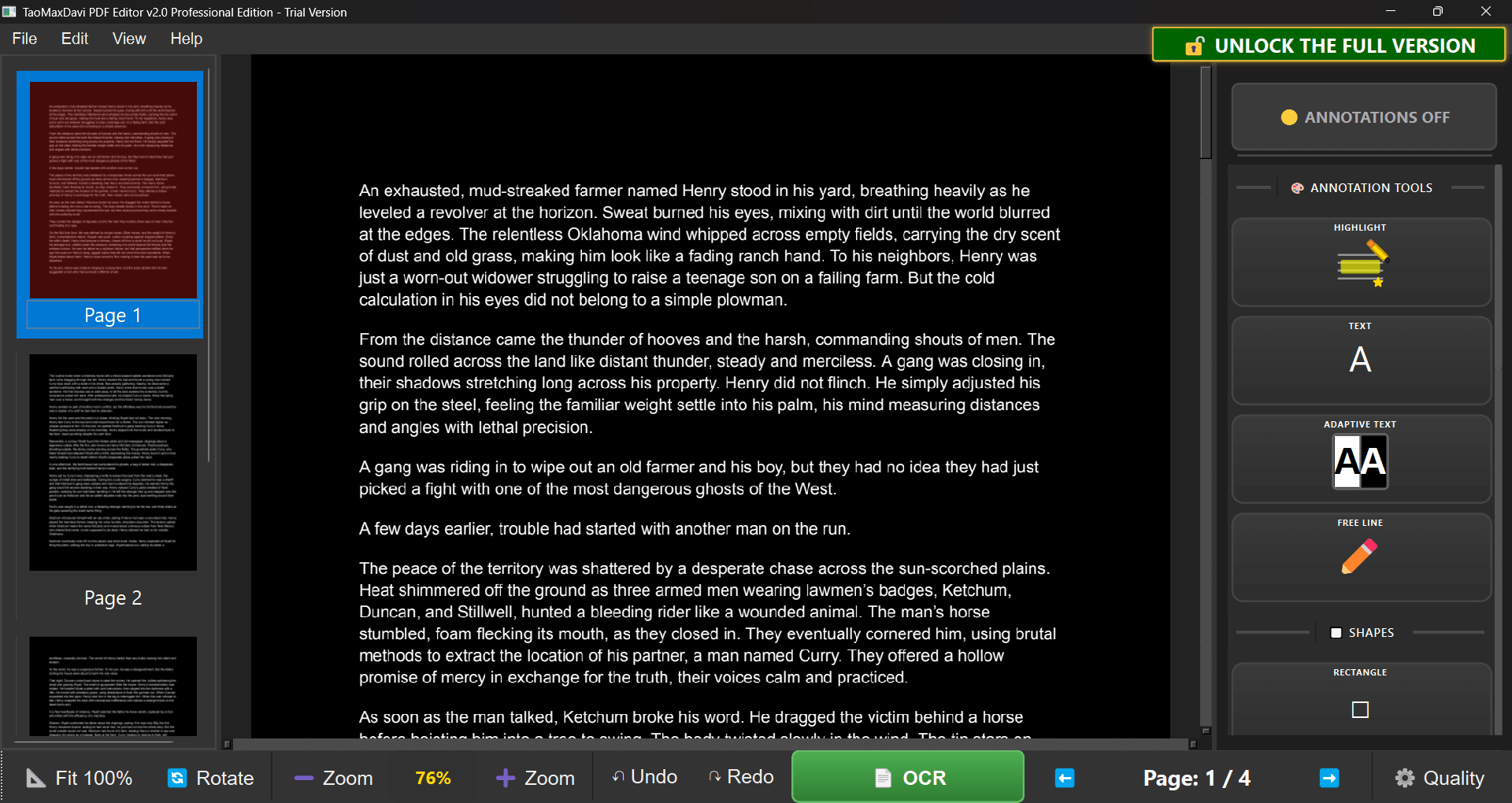
While TaoMaxDavi is a slightly heavy application, it focuses on simplicity and efficiency. The user interface puts the main tools right in front of you so you can start working right away without having to go through any complex menus. Even beginners will not have a tough time using it.
It is a complete PDF editing suite that not only lets you view and scroll through pages, but also provides you with an all-in-one environment where you can view, edit, annotate, merge, and convert PDFs.Powerful editing and annotation tools
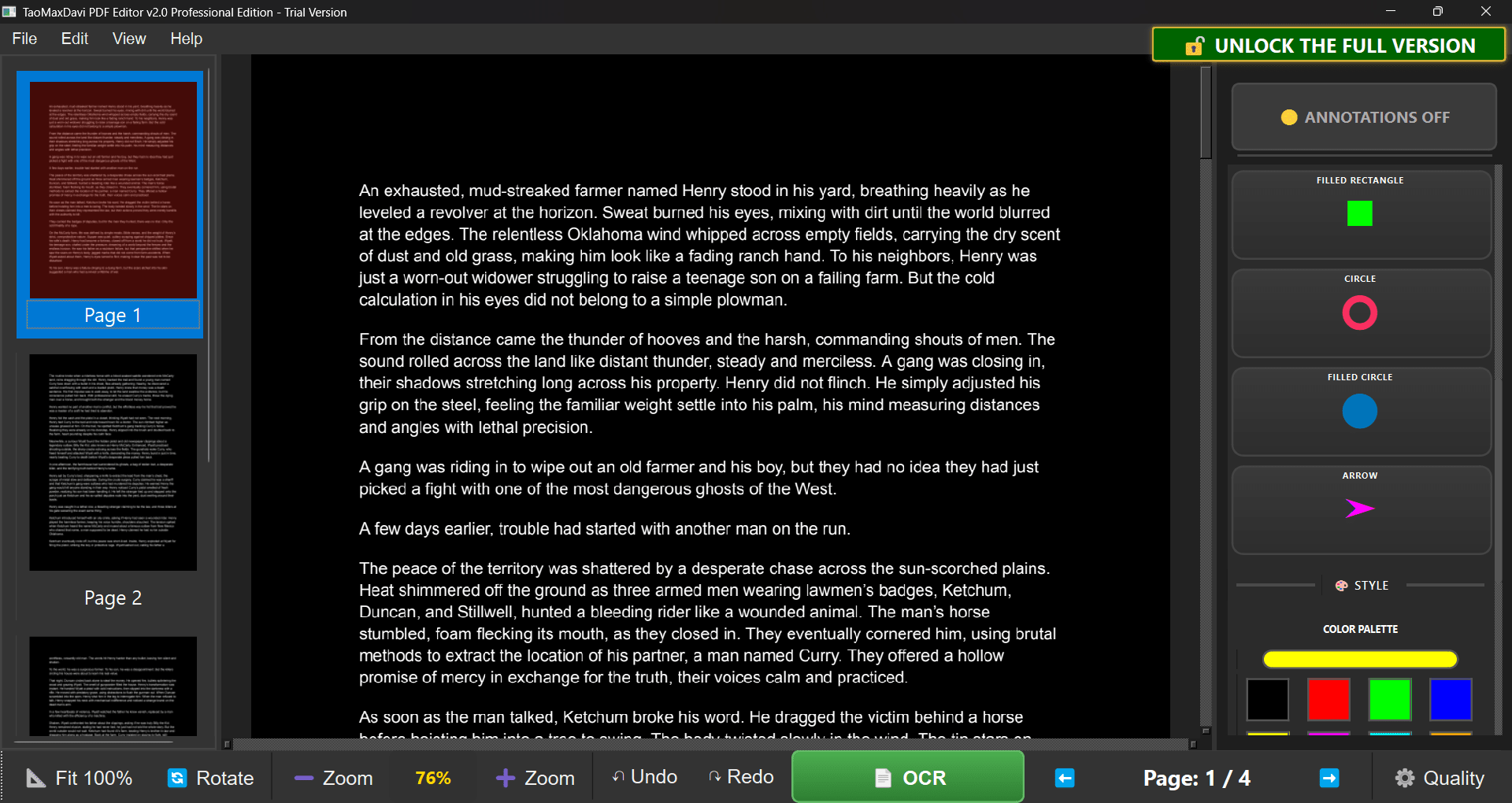
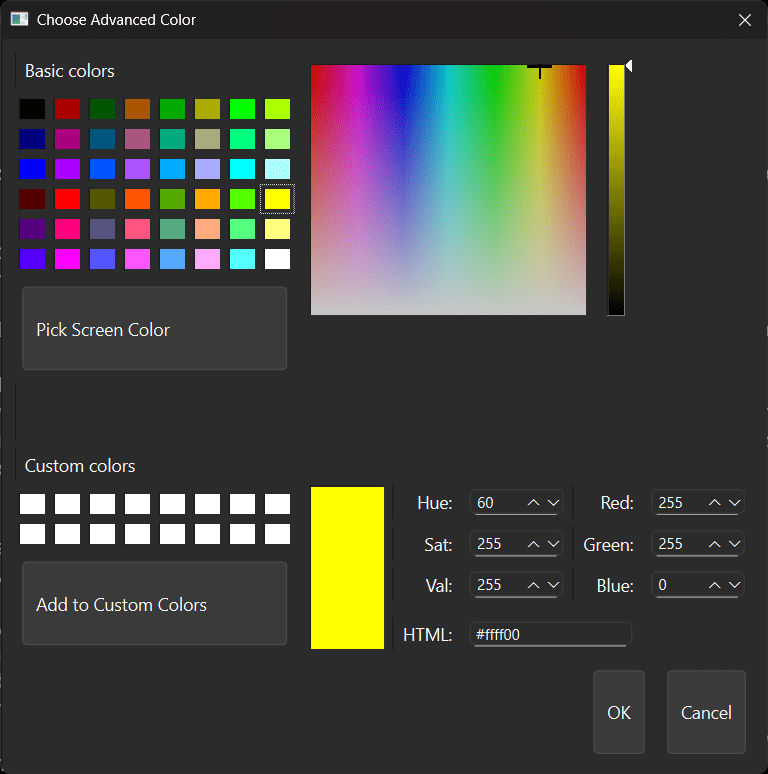
By far, the main feature for any PDF suite is the editing tools. When it comes to TaoMaxDavi PDF Editor, you can add or modify text directly in the document, adjust layout elements, and insert images or graphics as well. It has built-in annotation tools that allow you to highlight important information, draw any shapes, use freehand markup, or add sticky notes. These are all essential for various workflows and projects.Organization and OCR
Additionally, you have features like merge and split that make organizing large PDF collections straightforward. You can either create a collection by merging documents, or you can split a collection into smaller bits and pieces. You can rearrange page order or extract specific pages as new documents. The flexibility is quite handy.
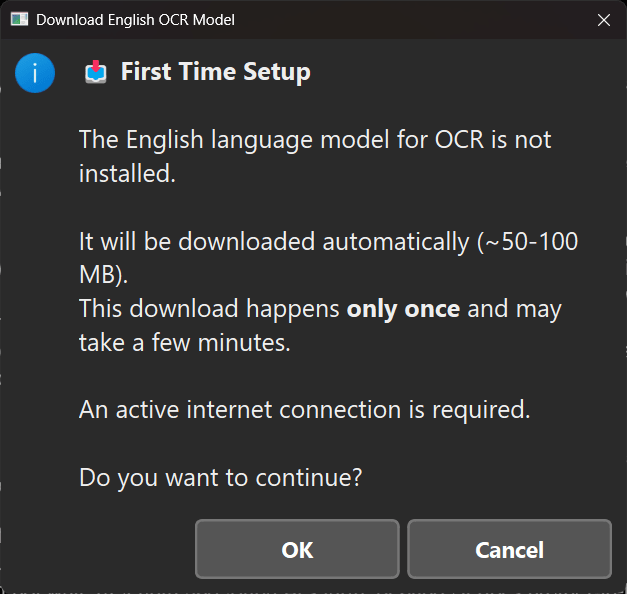
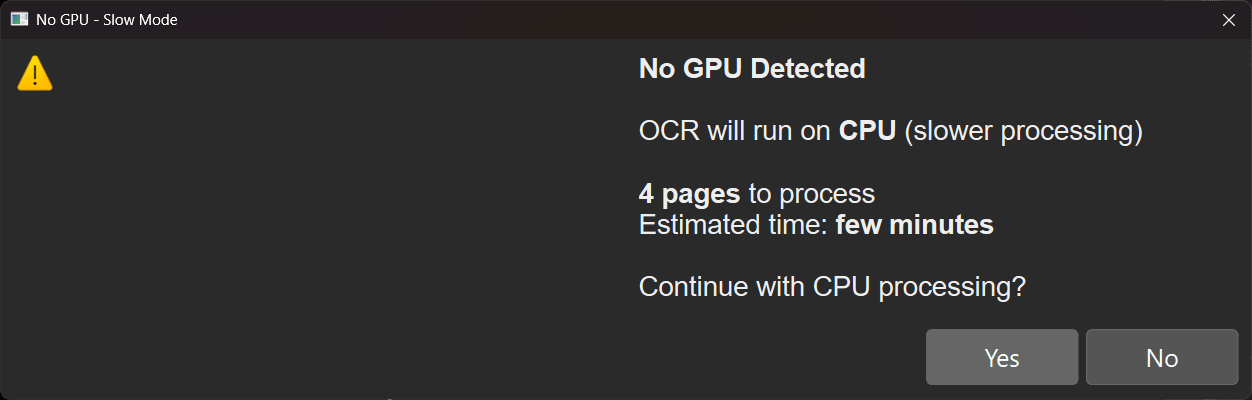
Lastly, one of the most useful features is the OCR function, which stands for Optical Character Recognition. You can transform scanned images or documents into editable, searchable, and usable text. This makes it very easy to work with legacy files and documents. Note that this does take some time to process, though the app does support GPU acceleration to speed this up on compatible hardware.User experience and workflow
TaoMaxDavi offers a clean and organized user experience. The clean layout organizes editing, viewing, and annotation tools logically, which reduces the learning curve for new users. Additionally, there is the ability to preview changes in real time, which gives you confidence that the final output will match your expectations.Price
TaoMaxDavi PDF Editor comes with a free trial, which you can use indefinitely. The only limitation is that all exported documents will contain watermarks. You can unlock the software anytime by paying a one-time fee, which will provide you with perpetual access to the current version.
The price varies based on region and any ongoing discounts/promotions.A well-rounded PDF editor
TaoMaxDavi PDF Editor for Windows delivers a strong blend of editing, annotation, and organizational tools packed into a user-friendly interface. It's capable enough for professional documentation work, thanks to features like OCR, merging, and detailed annotation. While not free, users can still test it out extensively before opting to buy the lifetime license.